

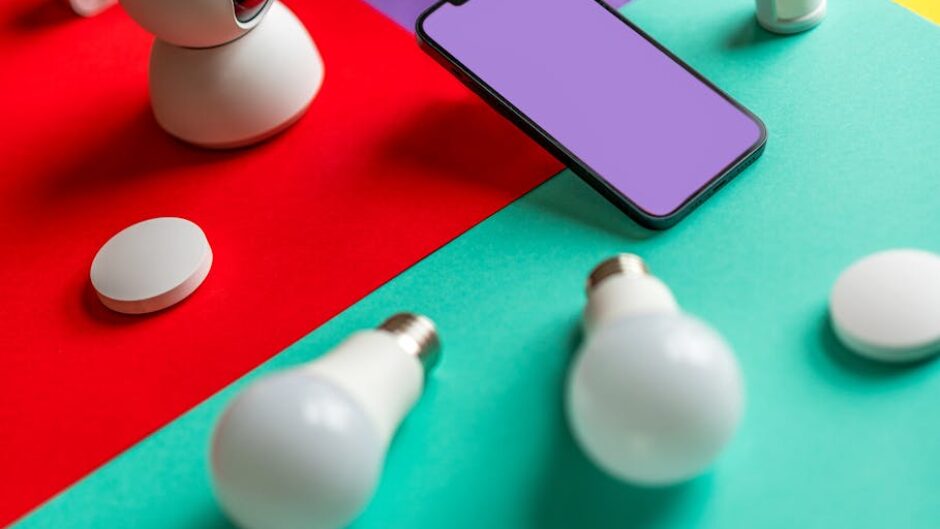
Hey, so it’s been a long time since an update on the smartification of my home. I realize that it’s been a good number of random updates, installations, devices, etc., but not one single one that would deserve its own thread (heh) here. But, all added together, I guess an update is in order.
Last time we talked about Matter Over Thread, what they tell me is the network and transmission protocol of the future. I had put together a fabric, what we call a mesh network of Thread devices, and it was working…fine. Devices would randomly drop off the fabric once in a while, but it usually worked. I realized that I needed more plugged-in Thread devices to strengthen the fabric if I wanted it to be anything close to reliable. So, I bought a few smart plugs with really no plan for them, but of course they were cheap and didn’t work correctly. They would work as smart plugs, but something about their faulty firmware made it so they wouldn’t act as repeaters on the fabric. It took me too long to figure this out. So, I replaced them with Ikea equivalents (which had finally be released in the U.S.) and they worked instantly, as both smart plugs and as repeaters.
Theses inexpensive smart plugs also have power monitoring, so I was also able to create an automation that sensed when I turned on my television, and if it was evening, it would turn off the lights in the living room and adjoining rooms automatically. The magic of the smart(er) home! And I’ve experienced far fewer drop-offs as a result (I could stand fewer, however).
We had also talked previously about light switches. My house, which was built sometime predating the Great Depression, has all wonders behind the light switch covers: most without neutral wires, some without even ground, and even on that had the ground from the switch wired into the neutral. I figured if I wanted to smarten some of these switches, I would have to abandon my hope of using Thread for now (ever, because let’s be honest). I ended up going with Lutron switches, which do not require a neutral wire, work over their own proprietary wireless protocol, but still does not require WiFi or an app/cloud. They had stellar reviews, are rock solid and reliable, but are both expensive and require a hub device. But they would seemingly work in my situation and I could just buy them and not think about it anymore.
But since the wiring in my house is a nightmare, this time I hired an electrician to do the installation. I will tell you he gasped when he saw the ground wired to the neutral wire. It also took him all of fifteen minutes to install six switches. Properly. A lot of money, all in, but well spent. And they have been rock solid, integrate perfectly in Home Assistant, and finally all the ceiling light in this house are dimmable.
Finally, to sort of tie the whole thing together thus far, and to enable easy control and visualization, I put together a dashboard for the Home Assistant instance. This was not without its complications, but it was straightforward. Home Assistant will by default put together a half-slapped dashboard based on your devices and entities you can access on your phone or any other computer device with connectivity and a screen. It’s…okay. But the tools to create your own are extremely user friendly, and with just a little clicking and researching and pushing some buttons on the keyboard, I was able to put together a simple, nicer looking and more intuitive dashboard for my phone with ready access to the controls I’d want to use.
If you’ve used a Google Nest Hub, Amazon Alexa, etc. type of device, you may know that it can be convenient to also have some kind of screen that isn’t your phone to control devices and display information. And so many people will set up a tablet, or touchscreen computer, or some weird thing from Aliexpress to show their Home Assistant dashboard on a wall, on a counter, or somewhere else visible and convenient. This appealed. The general recommendations were to just use an old Android tablet, and just about anything would serve fine because Home Assistant was just a web page. So I bought some cheap, old (2017) tablet from a reliable manufacturer you have heard of off a seller on eBay and set that up with Fully Kiosk to serve solely as a dashboard. Since it barely even had any RAM at all, I wanted to make sure the dashboard was the only thing it was running. And…it sucked. It was so slow it was barely functional. It also had to refresh the dashboard page about every 10 seconds. It didn’t and wouldn’t work for this purpose. I’m not sure it would work for any purpose. After a month or so, I finally gave up and bought a cheap, but currently in production tablet from another reliable manufacturer you have heard of. And it actually works, which shouldn’t be a surprise but felt like magic after the previous attempt.
With a functional canvas available, I decided that the marginal mobile-focused dashboard I had created wasn’t ideal for this screen, so I found a nice template available (there is a whole community for this), added some great plug-ins (HACS is another great resource, and honestly should be available by default), and put together a nice looking display that not only allows controls for my devices, but shows me the weather forecast, my solar panel production, and a family calendar. It also changes from dark mode to light mode based on the location of the sun in the sky. It’s neat. It could use some tinkering, but that’s the fun of this hobby, isn’t it?
I’m not looking forward to getting some more automations going. I’ve ordered some window/door sensors and would like to tie them into automations to turn off the HVAC/air purifiers when the windows are open, and alert me if the doors or windows open while I am away. I have some other ideas. I’ll try and update here if any of them end up being in any way interesting.
Previously: